


Product Description
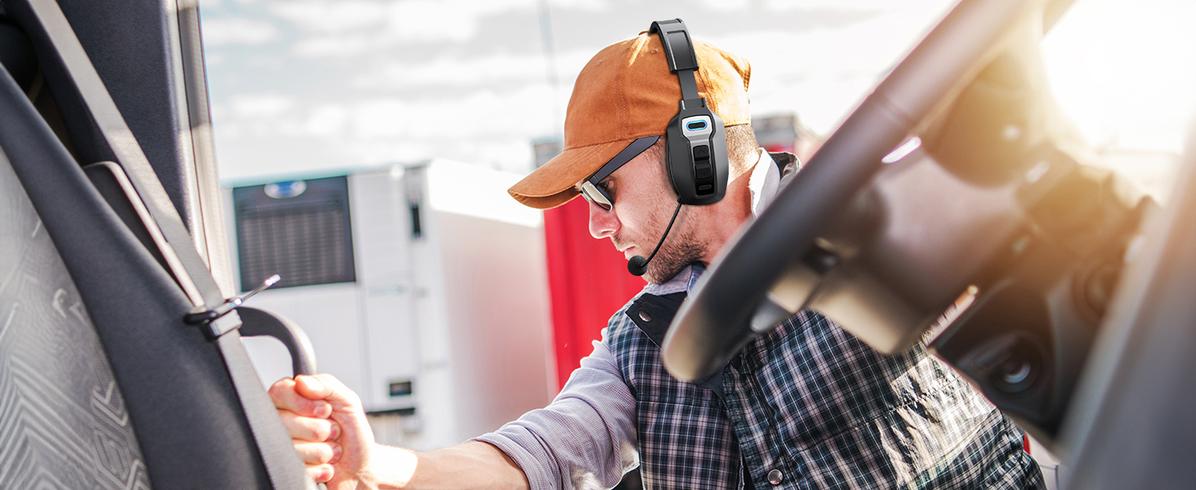
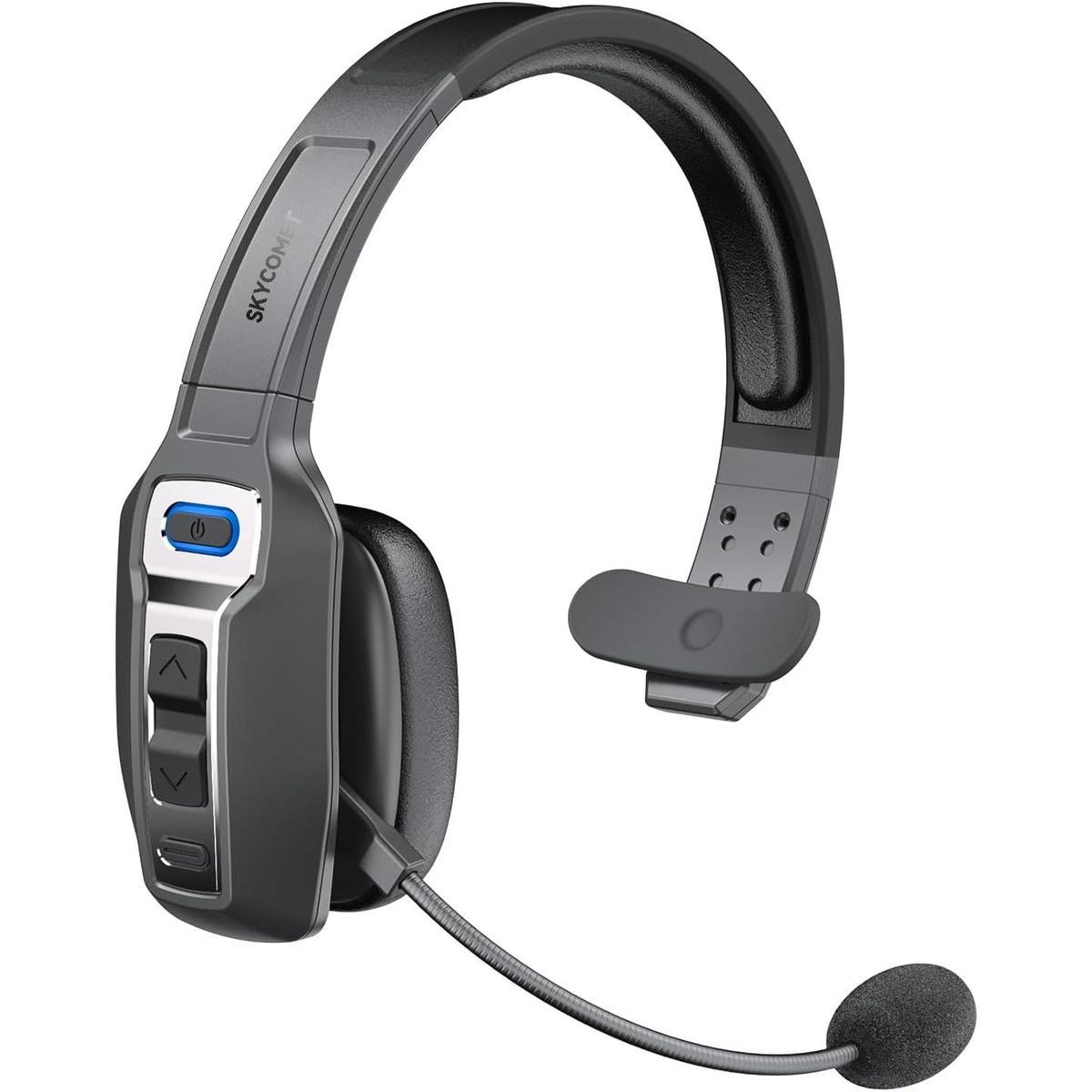
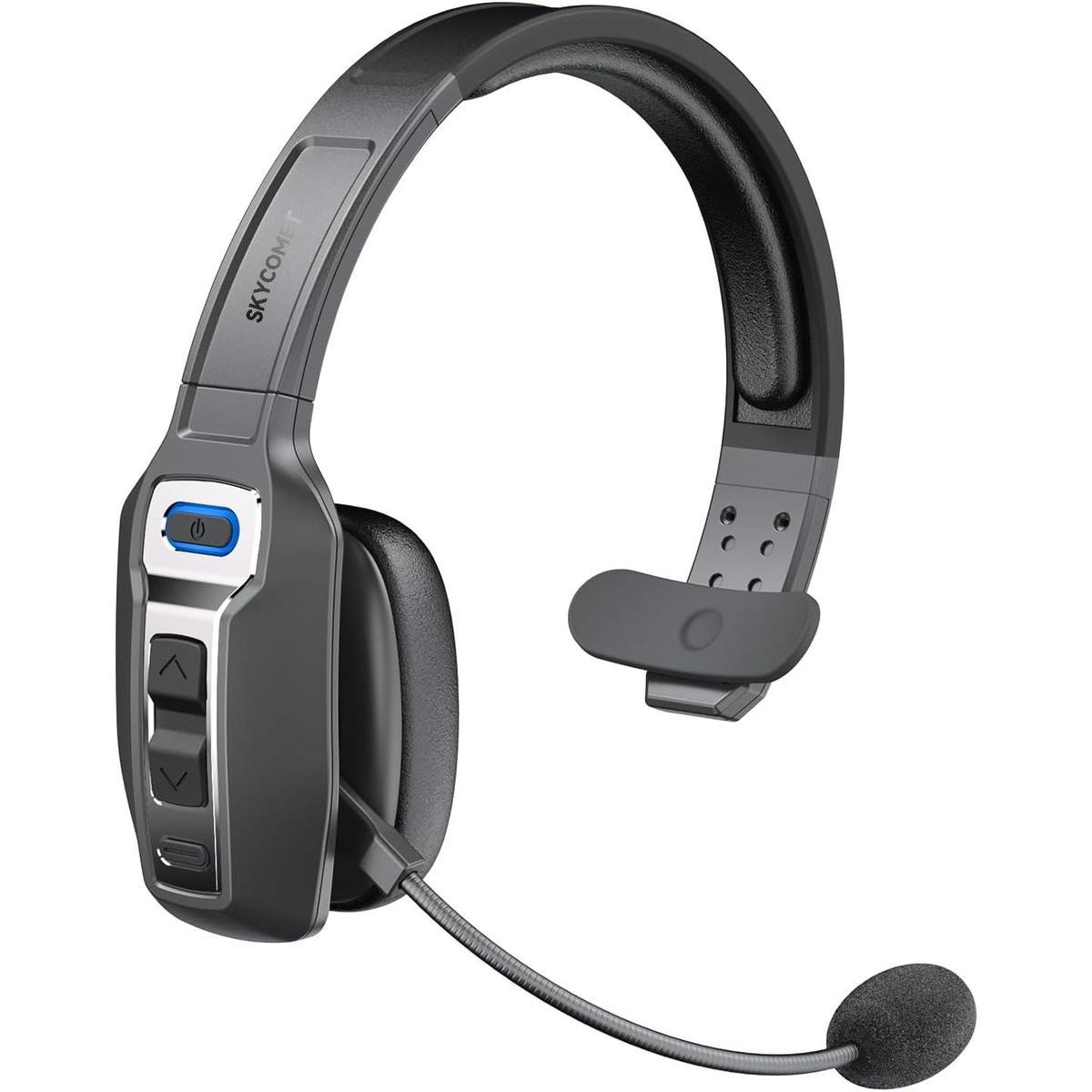
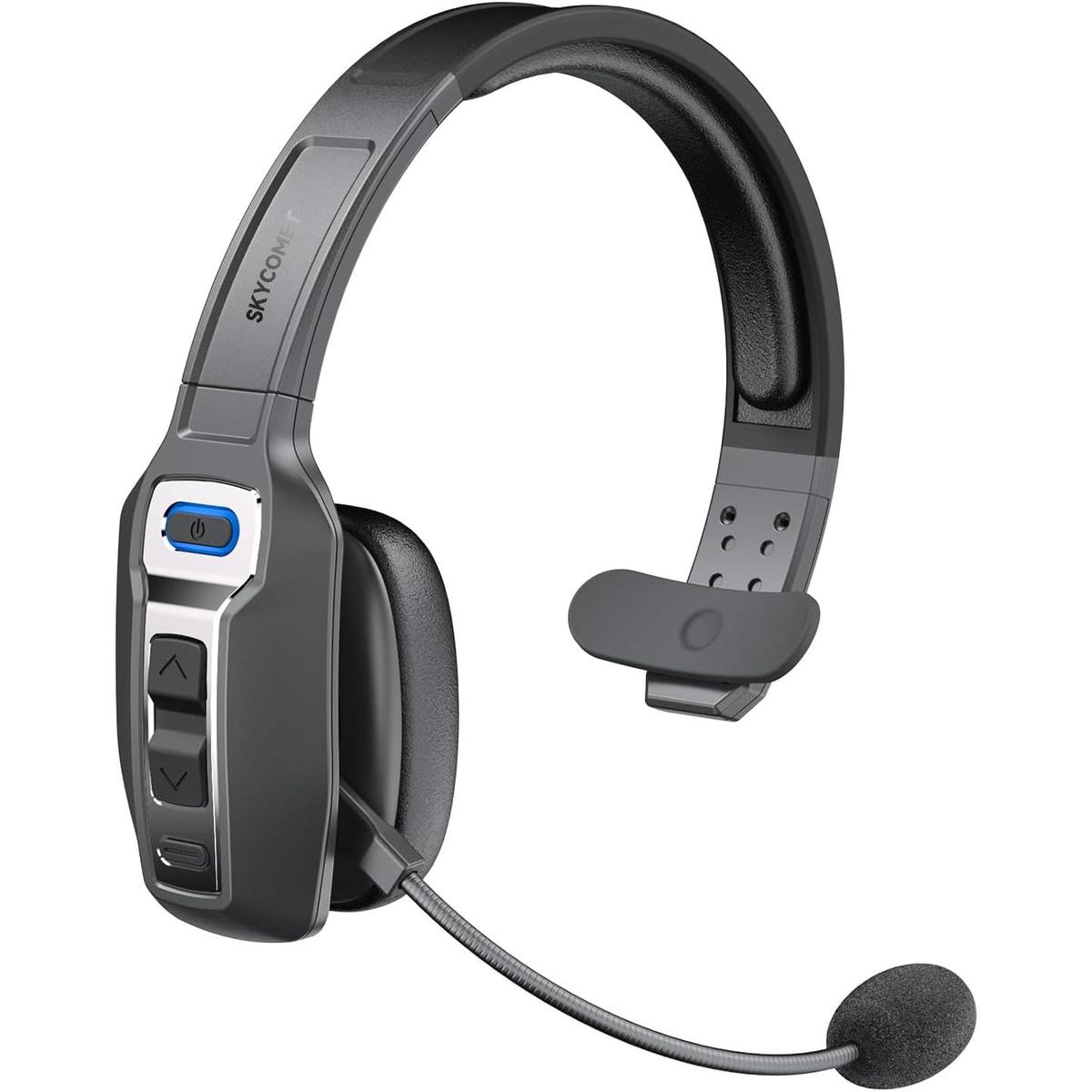
Bluetooth Headset
Engineered for exceptional calls and meetings, it delivers crystal-clear audio and ensures professional communication, whether you're working from home or on the move.

Clear Calls, Zero Distractions
High-definition sound and noise-canceling for seamless, focused communication.
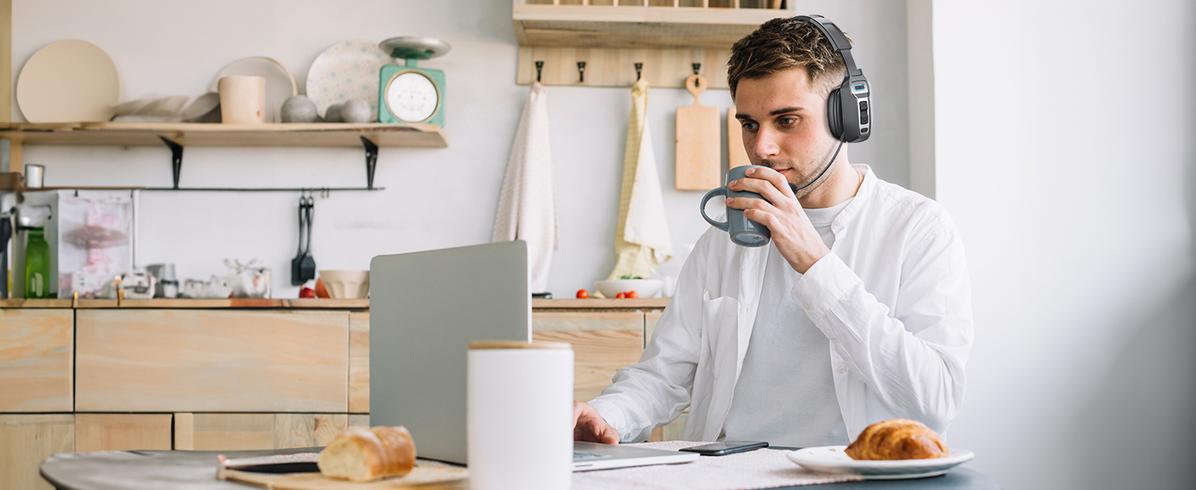
Boost Your Home Office Efficiency
With exceptional sound quality, it's ideal for remote work, keeping you productive and comfortable.

Optimized Telemedicine Solutions
With a Bluetooth headset, ensure you maintain your professionalism during remote consultations.
1Teamwork in Silence
2Remote Work from Home
3Telemedicine Made Easy
Experience Next-Level Communication
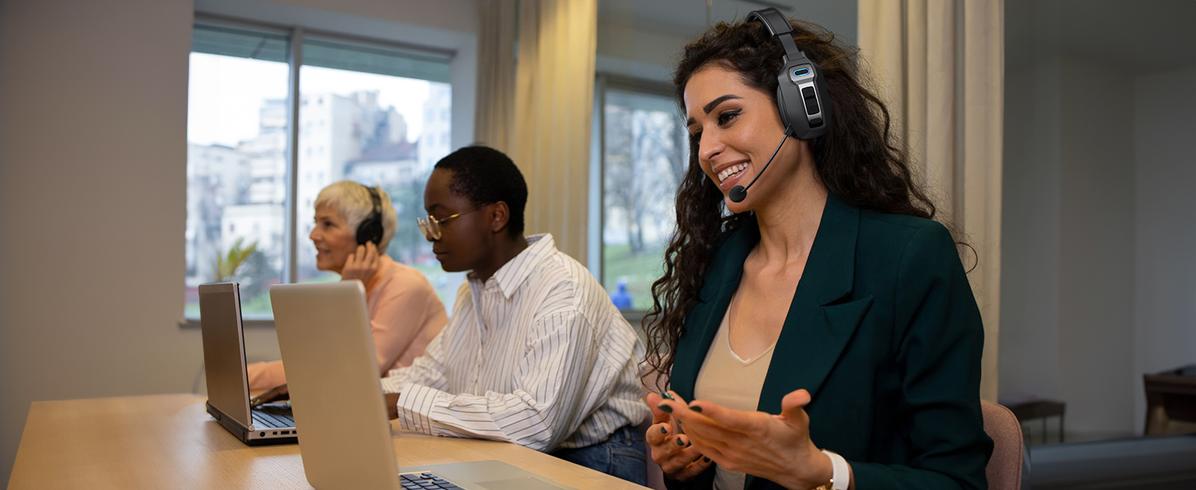
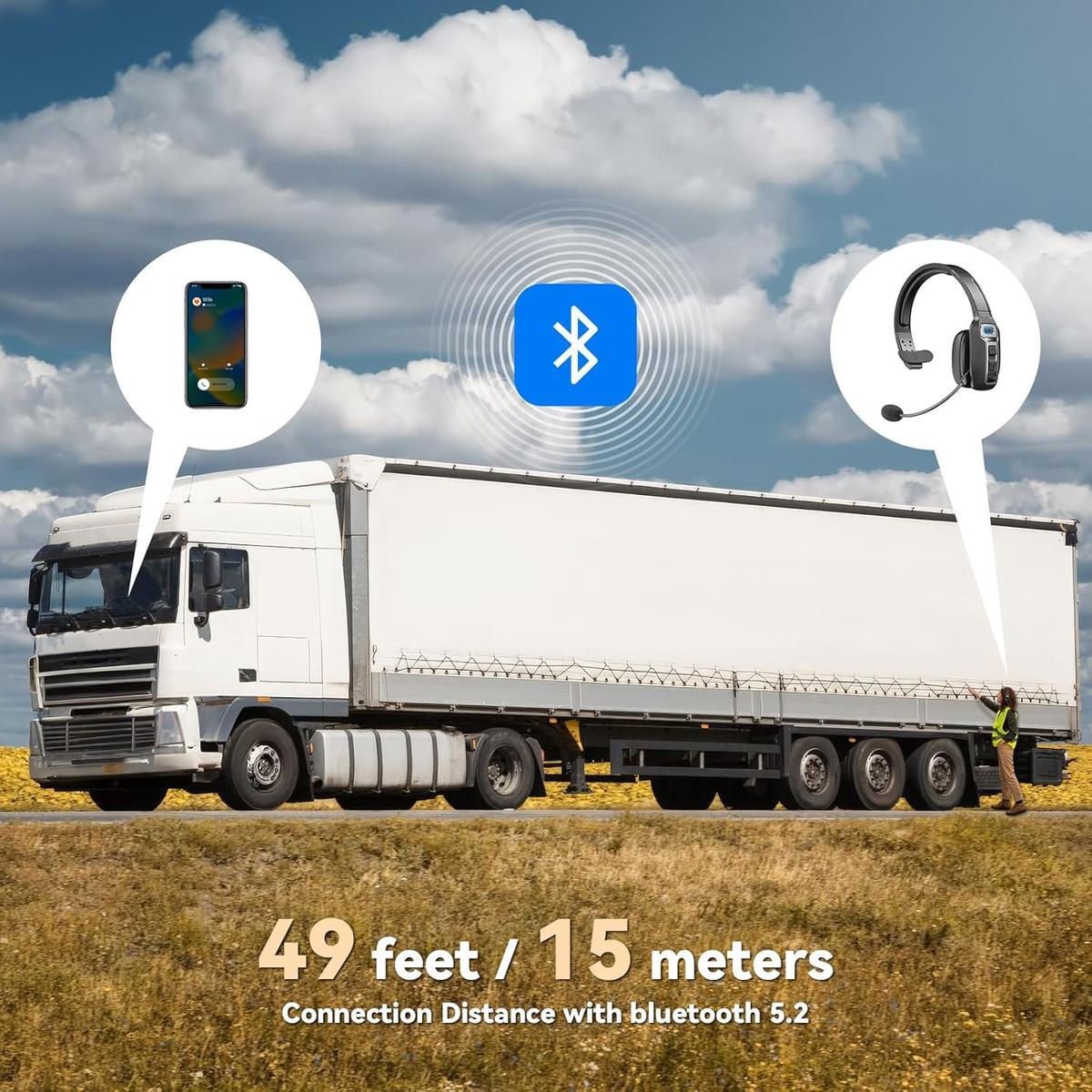
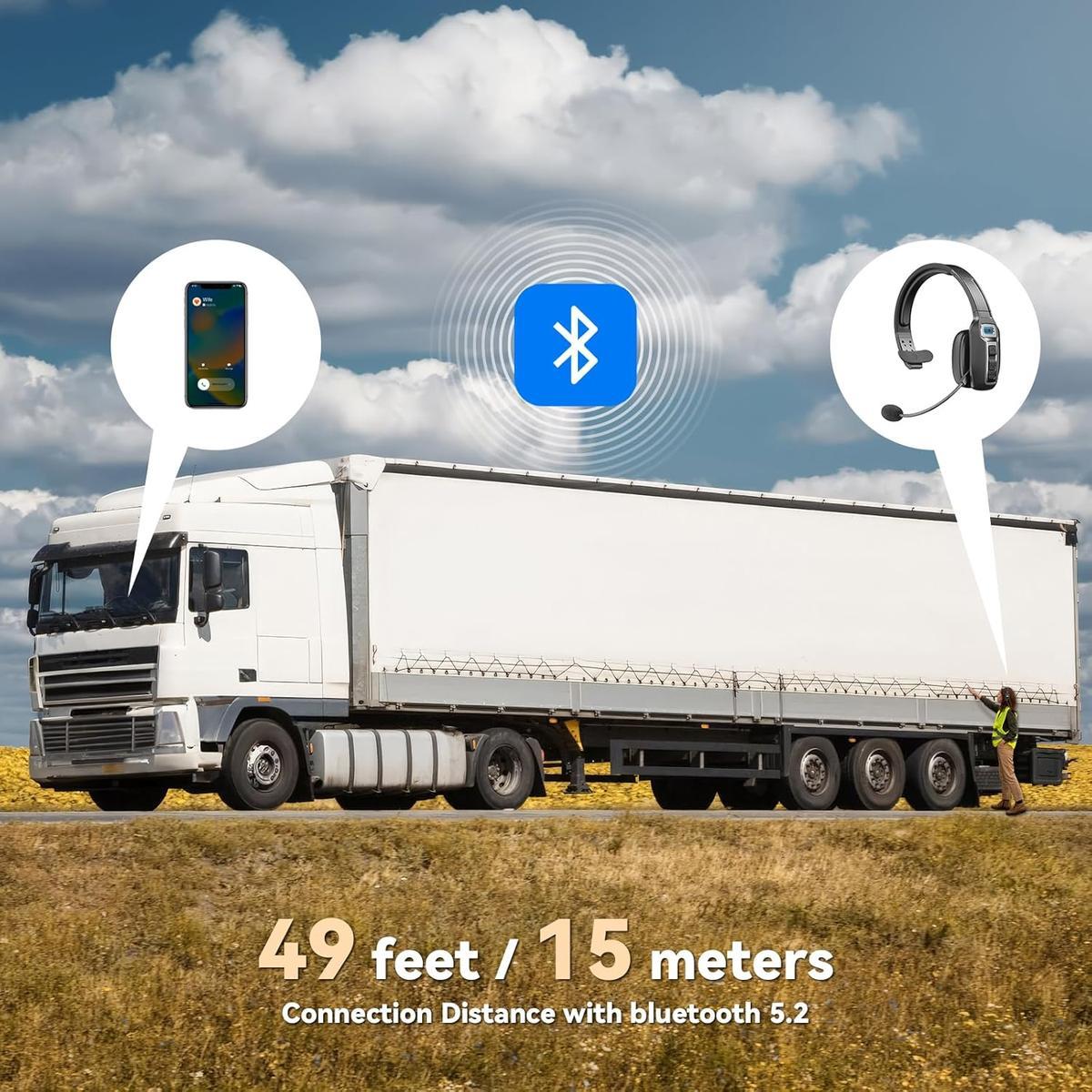
Equipped with advanced ambient noise cancellation technology that blocks out up to 99% of background noise, this Bluetooth V5.2 headset ensures crystal-clear conversations in even the noisiest environments.Stay focused and maintain professionalism for precise, effective communication.
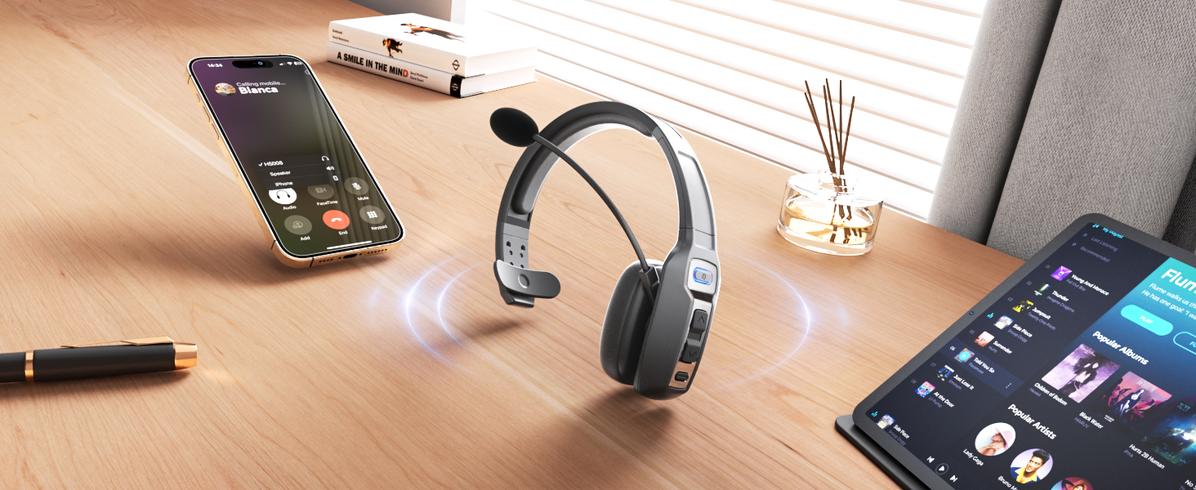
Stay connected with a single click—never miss a call!
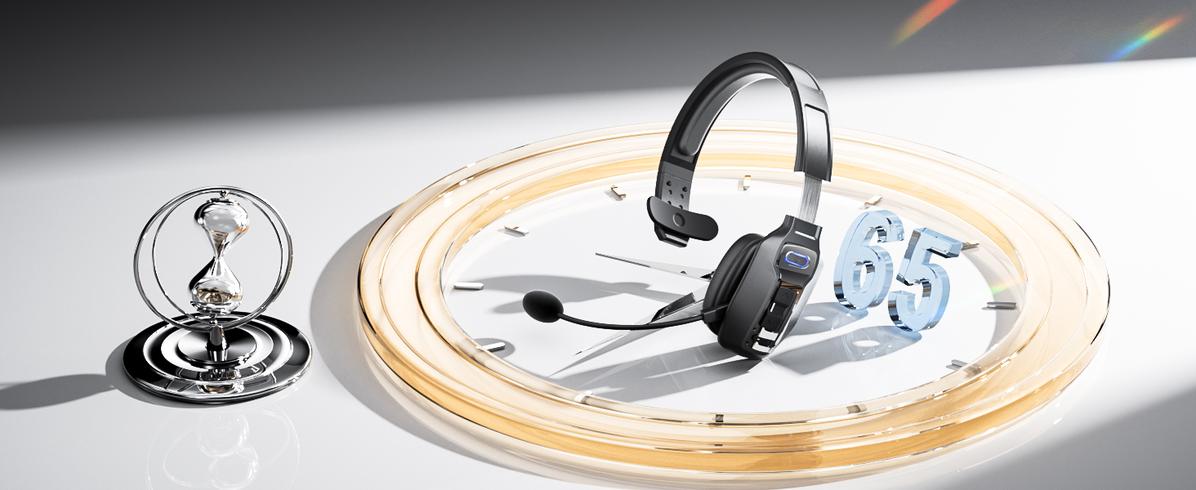
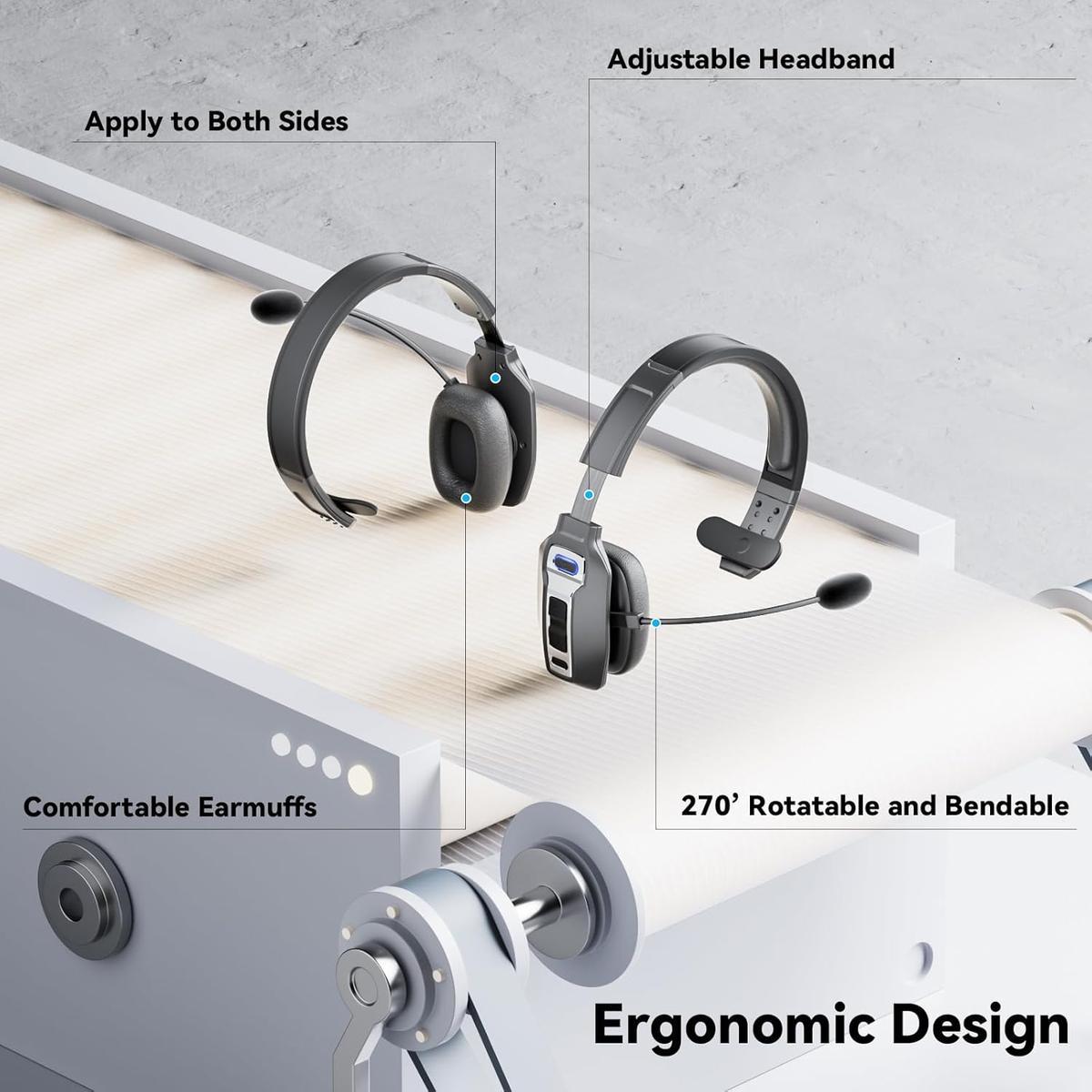
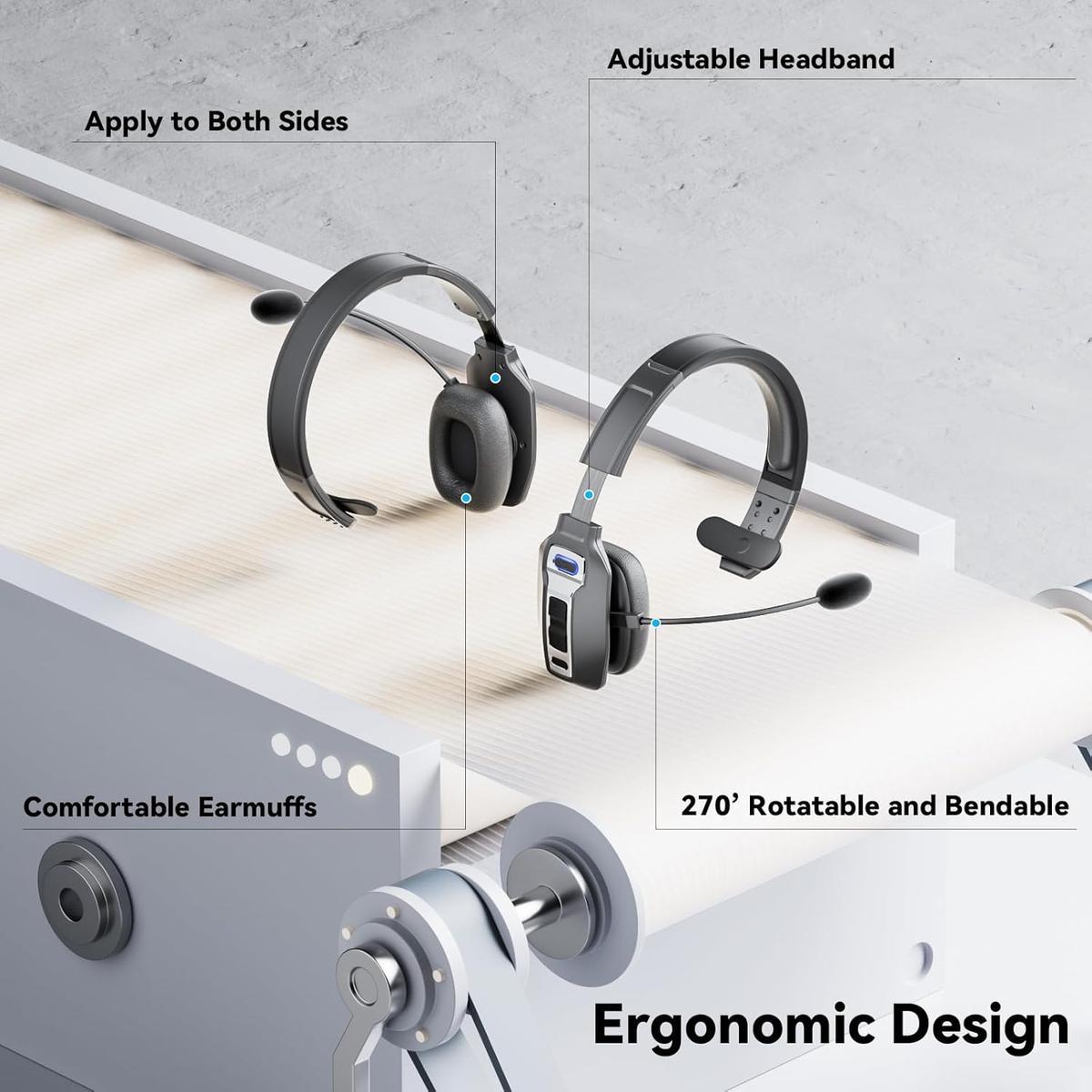
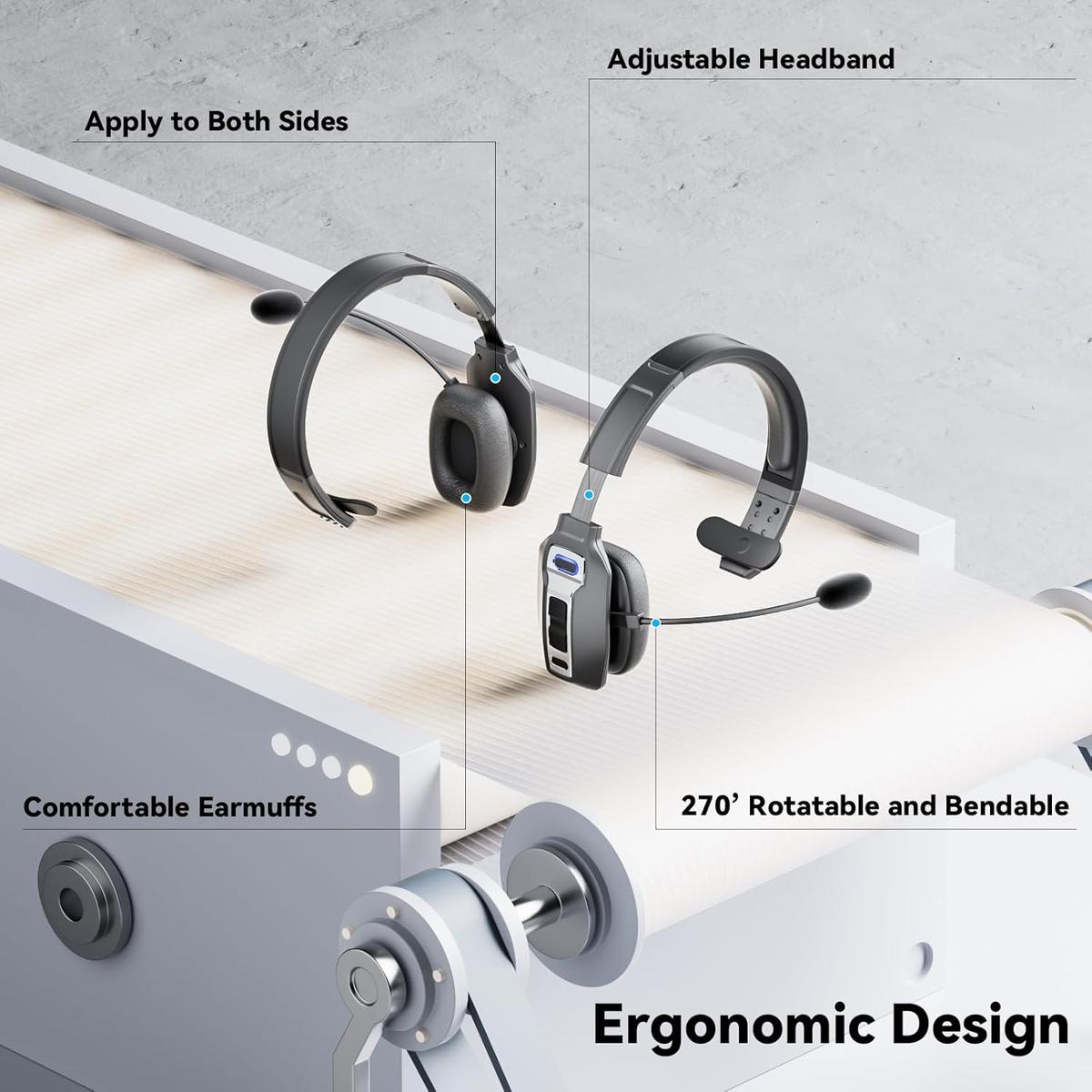
Stay powered and comfortable, whether on the road or at the office.
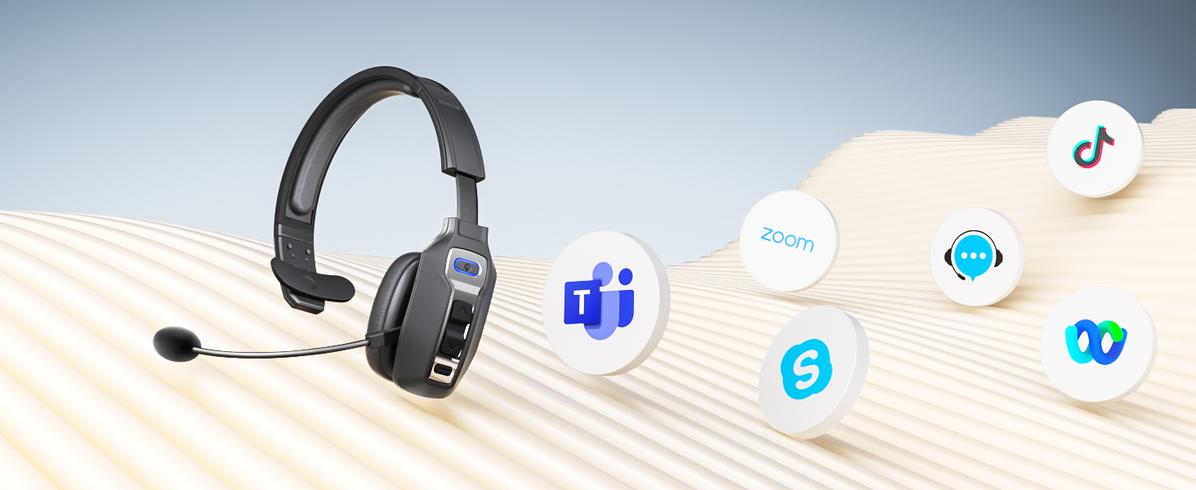
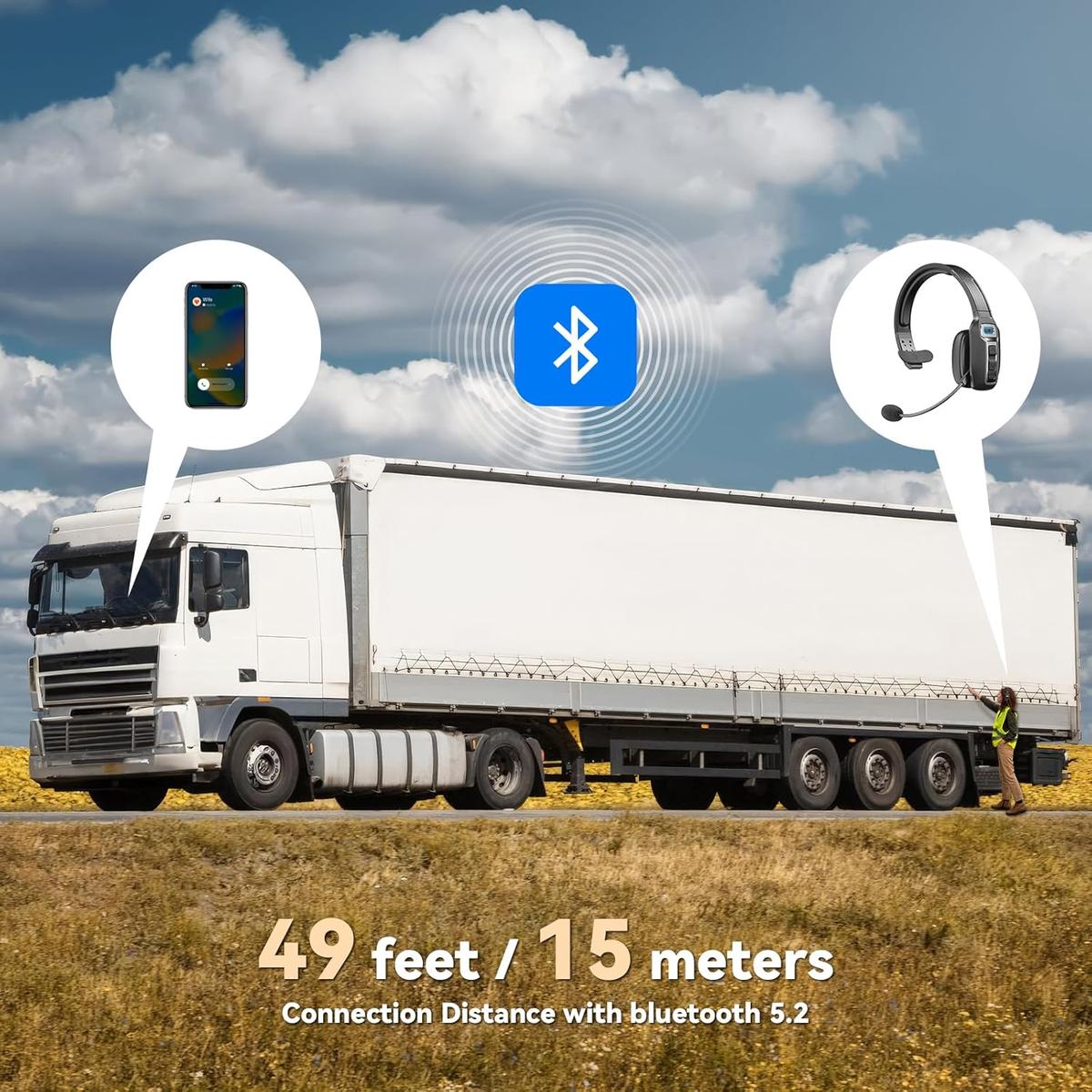
Effortlessly connects with your productivity and communication tools.
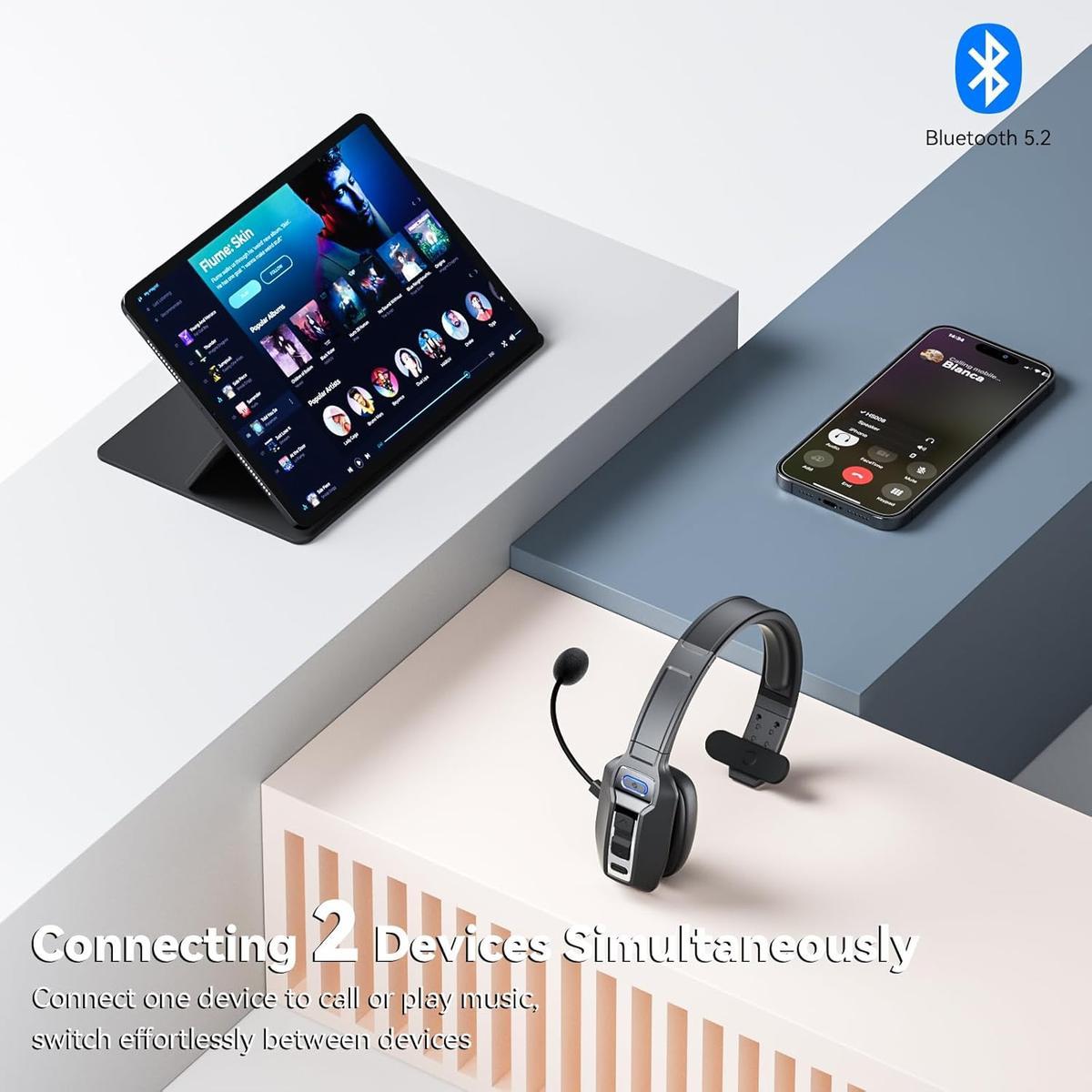
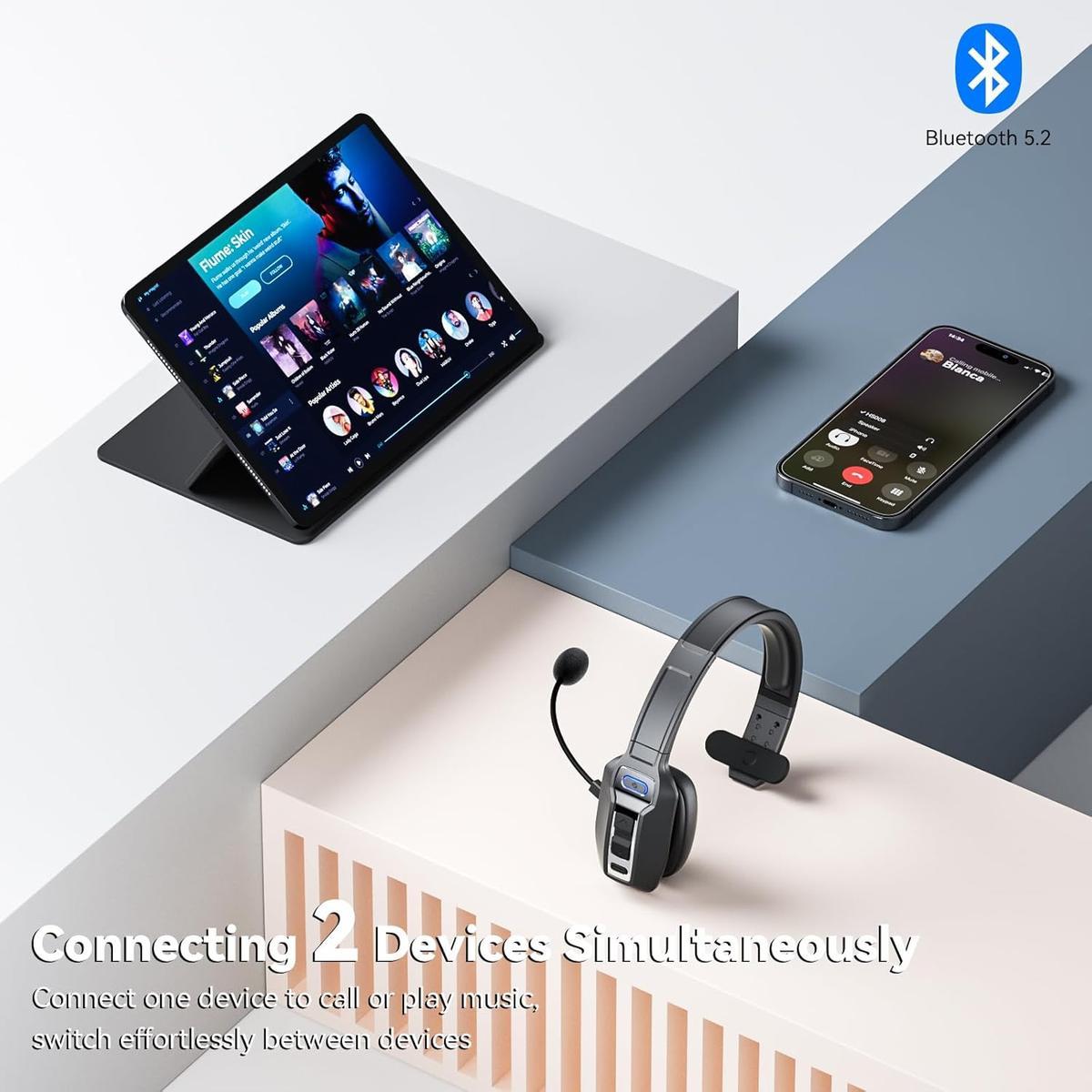
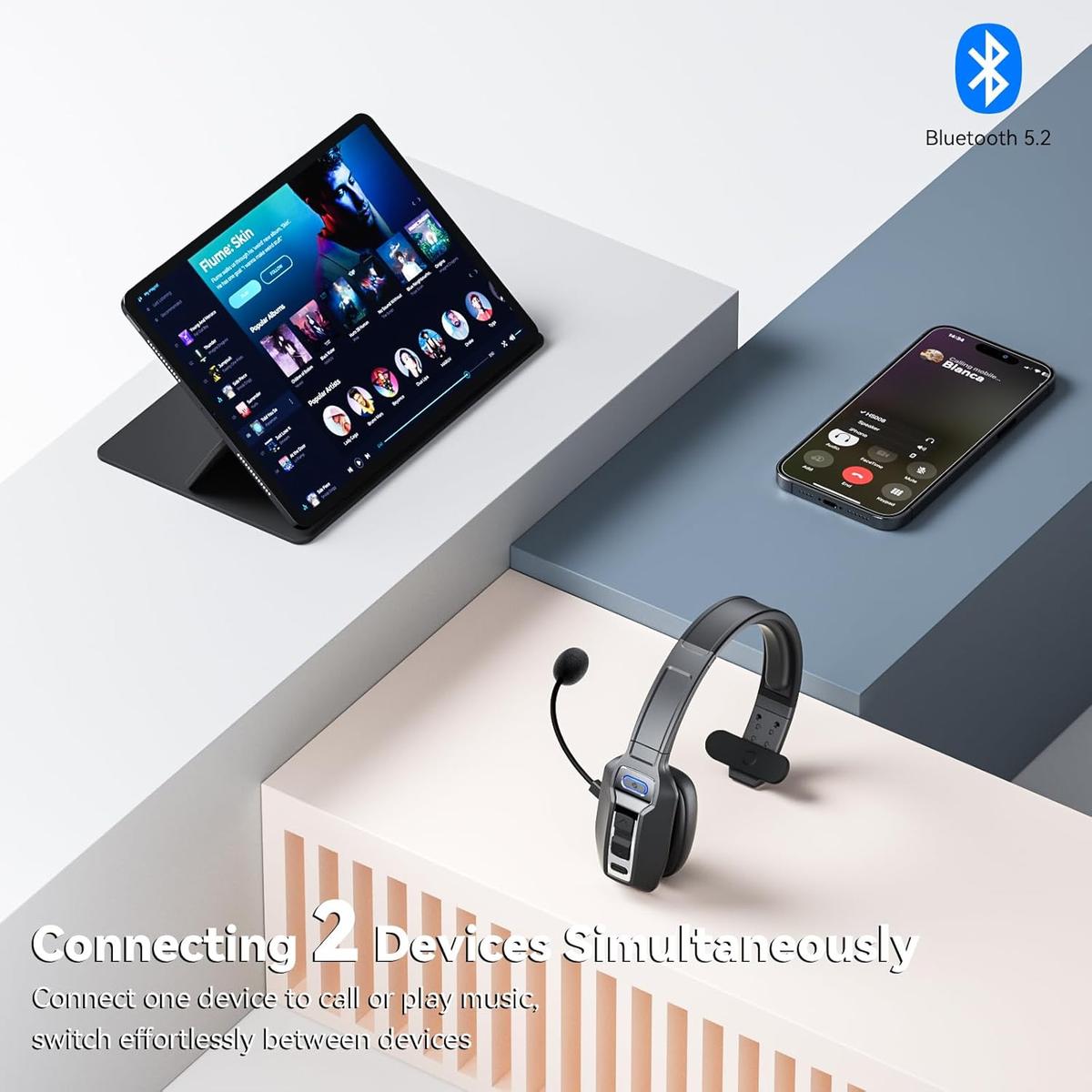
1Connect 2 Devices
2Super Battery Life
3Broad Compatibility
Easy to Set
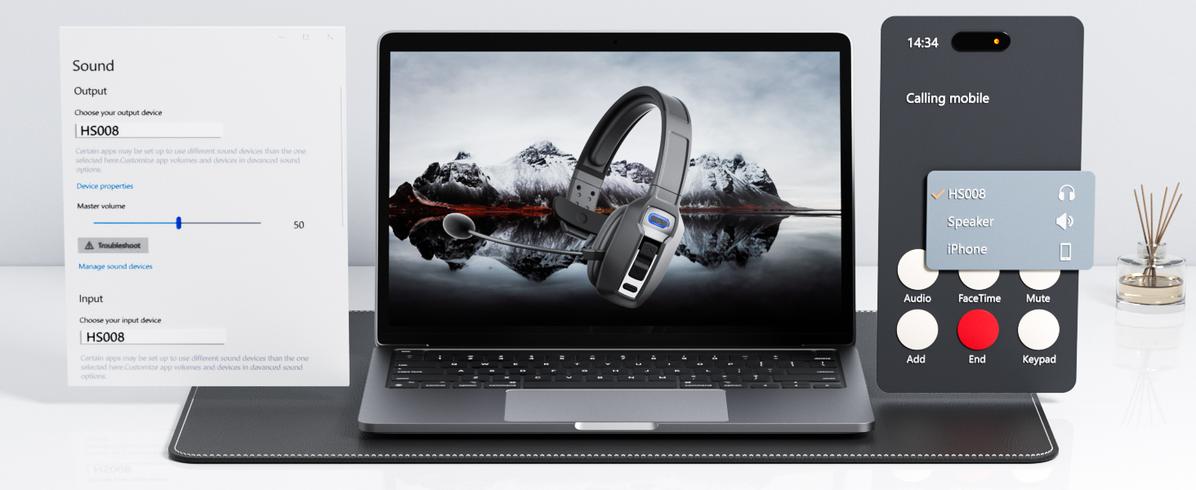
Set up your devices in no time—simple to configure, so you can focus on what matters!
How do I switch devices when a trucker's Bluetooth headset is connected to both a cell phone and a computer?
When the phone and computer are successfully connected via Bluetooth and paired with the headset, incoming calls from the phone can be quickly and accurately switched to the calling device using the MFB button.
How to clear the pairing records?
Press and hold the MfB power button and volume + button at the same time for 5-7 seconds. Seeing that the LED indicator light is purple, the headset has cleared the pairing record and restored the factory settings.